
Spike Recorder Bring your signals to life
Free software for viewing, recording, playing back and analyzing the electrical signals from your SpikerBox.
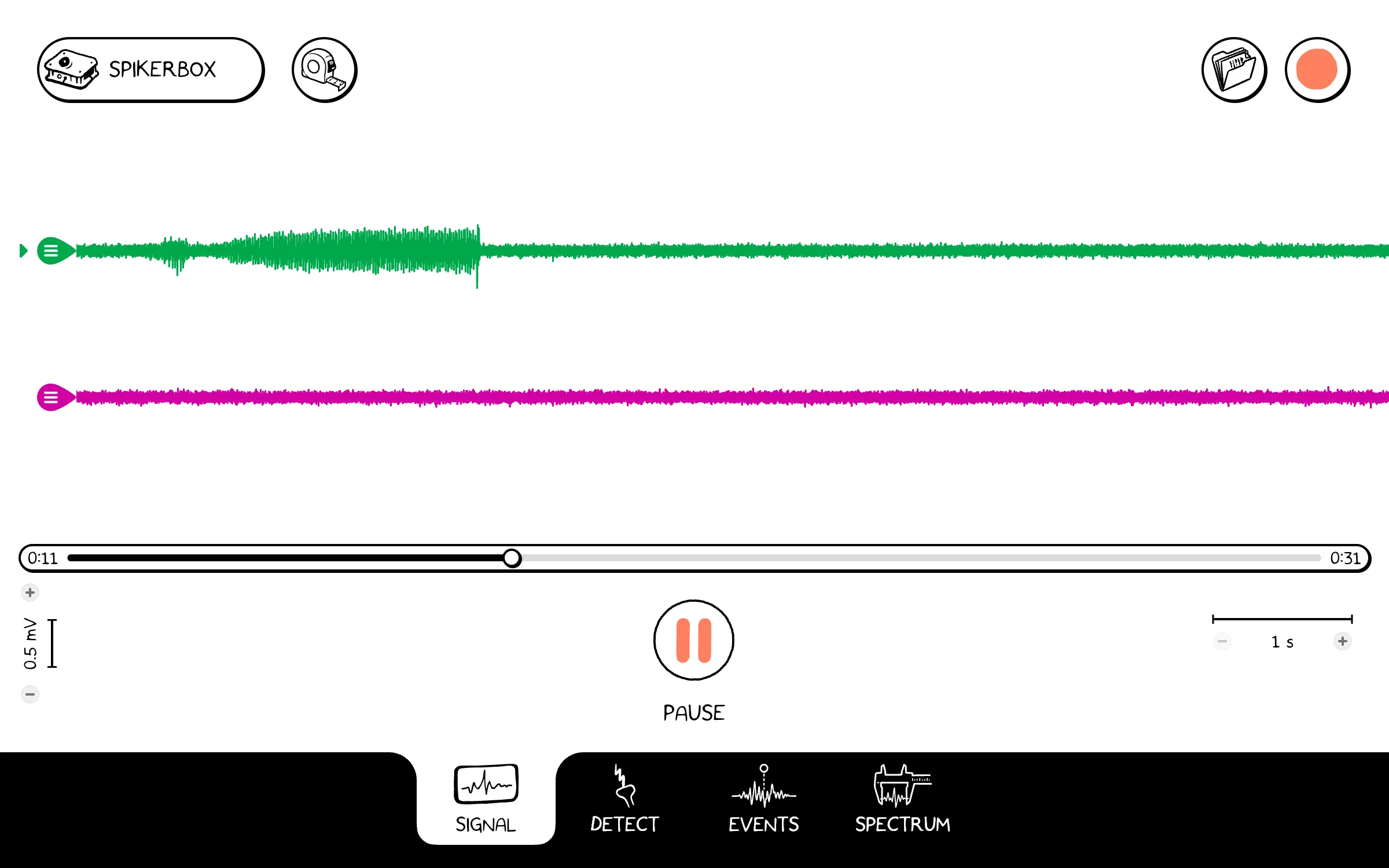
Muscles, the heart, the brain, eyes, neurons and plants all make small electrical signals. Connect a SpikerBox and Spike Recorder draws them as a moving waveform you can watch, record, mark and measure.
Use the web app in Chrome or Edge, or choose a download for your device below.


It is free Get the app

Start right in your browser
Nothing to install. The web app runs in Chrome or Edge on Windows, Mac and Chromebook, so it also works on school computers that do not allow installing software.
Launch the web app-
Your device
Windows
-
Your device
Mac
Mac App Store: coming soon
Mac download -
Your device
iPhone and iPad
-
Your device
Android
Google Play: coming soon
Android APK -
Your device
Chromebook
Use the web app in Chrome, or Google Play once it is live.
Web appGoogle Play: coming soon
-
Your device
Linux


One signal four views
The four tabs at the bottom of the app show the same signal in different ways. Switch between them at any time.
-
Signal
Watch the signal move across the screen as it comes in. Pause it, scroll back to what you just saw, and press a number key or the event button to mark an event.
-
Detect
Set a threshold and see every spike that crosses it, laid over each other and averaged. Use one or two thresholds to make a spike train.
-
Events
Compare the signal around events you marked in your recording.
-
Spectrum
See which frequencies make up the signal, as a spectrum or as a spectrogram that changes over time.


-
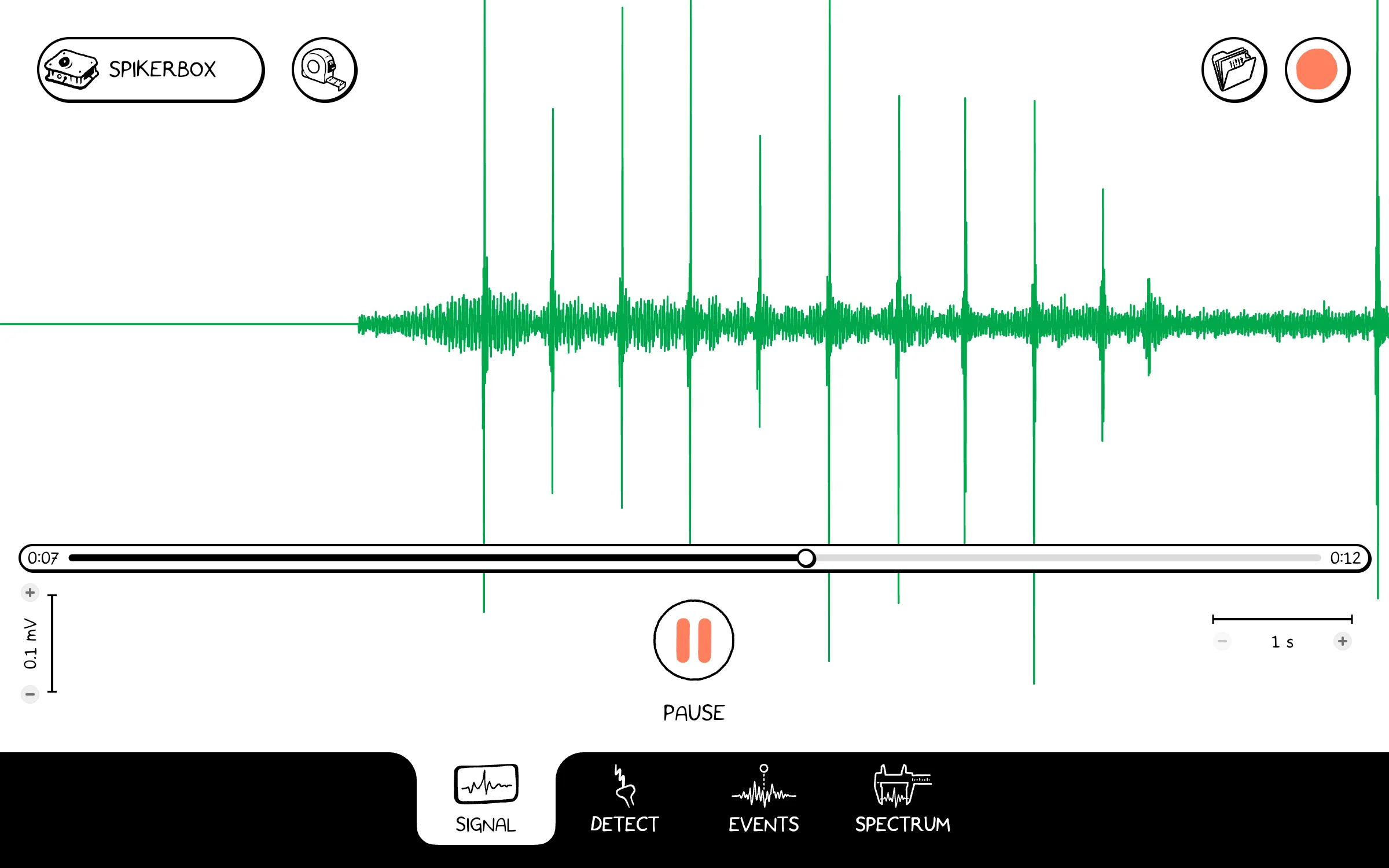
Spikes in a saved recording, on the Signal tab. -
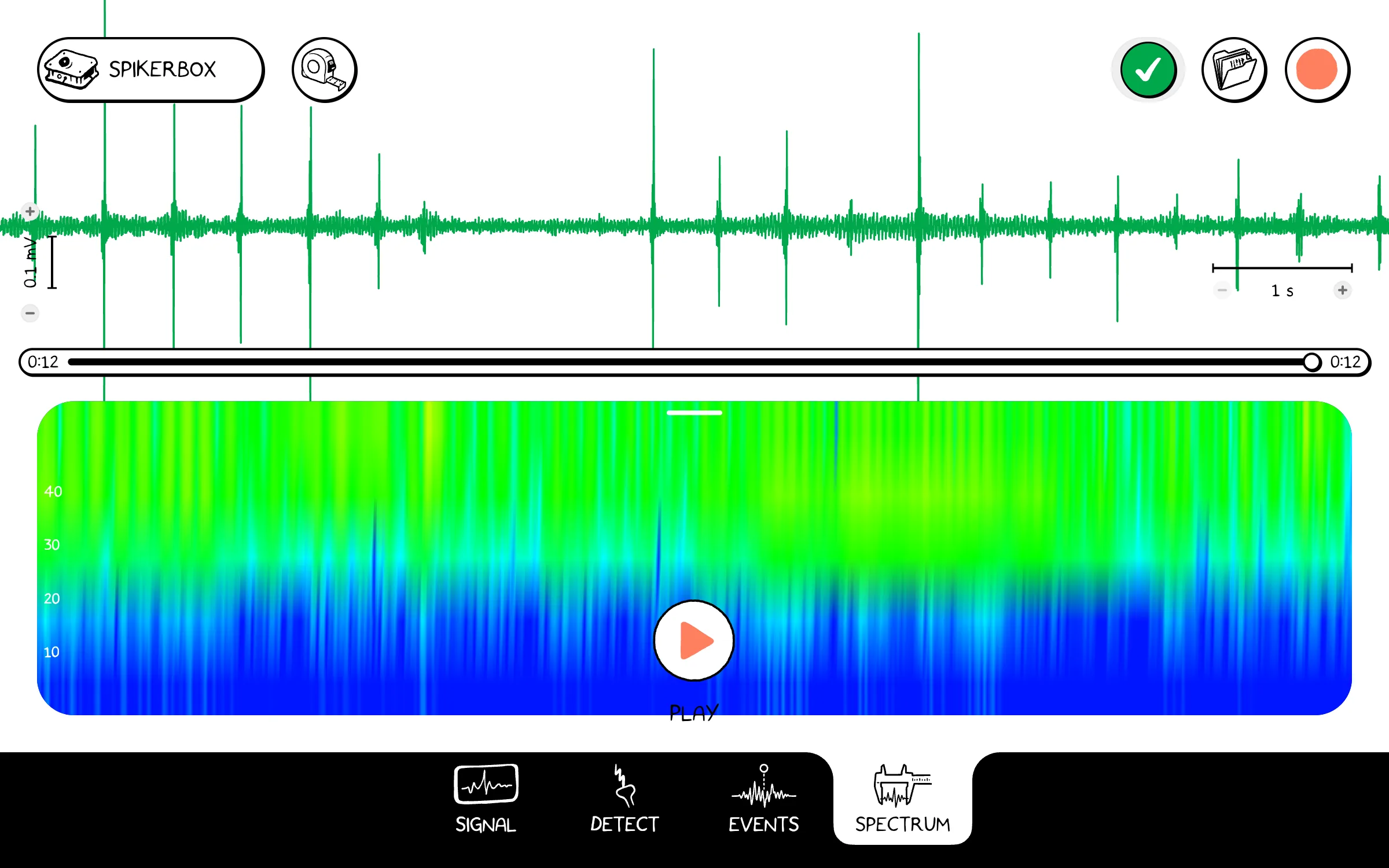
The same recording on the Spectrum tab.


Teaching with SpikerBoxes?
Spike Recorder is free, and the web app needs no installation, so a whole class can open it on school computers and Chromebooks. Find an experiment for your next lesson, or get SpikerBoxes for your class.
Frequently asked questions
Do I need a SpikerBox?
To record, yes: Spike Recorder shows the signals from a Backyard Brains SpikerBox. Without one, you can still open a saved recording and look at it on every tab.
Which browsers does the web app work in?
Chrome or Edge, on Windows, Mac and Chromebook.
How do I connect my SpikerBox?
Plug it into your computer with a USB cable and turn it on, then press the SpikerBox button at the top left of the app. The connection guide explains each way to connect.
What files does it use?
Spike Recorder saves recordings as .nwb files. You can also open older .wav recordings.
When is the new version in the app stores?
Each store button appears when that version is published. Use the web app or choose an available direct download on this page.
Where do I get help?
Read the Spike Recorder guide and its troubleshooting page, or contact Backyard Brains.